In today's hyper-digital and experience-driven world, a UI/UX designer resume must do more than list job titles. It needs to communicate your design thinking, user empathy, and mastery over essential tools like Figma, while clearly presenting user flows, usability testing experience, and design systems. Whether you're a junior designer fresh out of bootcamp or a seasoned pro revamping your resume for a better opportunity, this guide will help you build a standout resume that aligns with hiring managers' expectations and ATS systems.
1. Why Your UI/UX Resume Matters More Than Ever
Companies now prioritize user-centric design to ensure high conversions, engagement, and retention. As a result, recruiters are scanning UI/UX resumes for technical skills, creativity, and a keen eye for usability. Your resume isn’t just a document, it’s a design project. A well-designed resume is often your first opportunity to demonstrate UX skills.
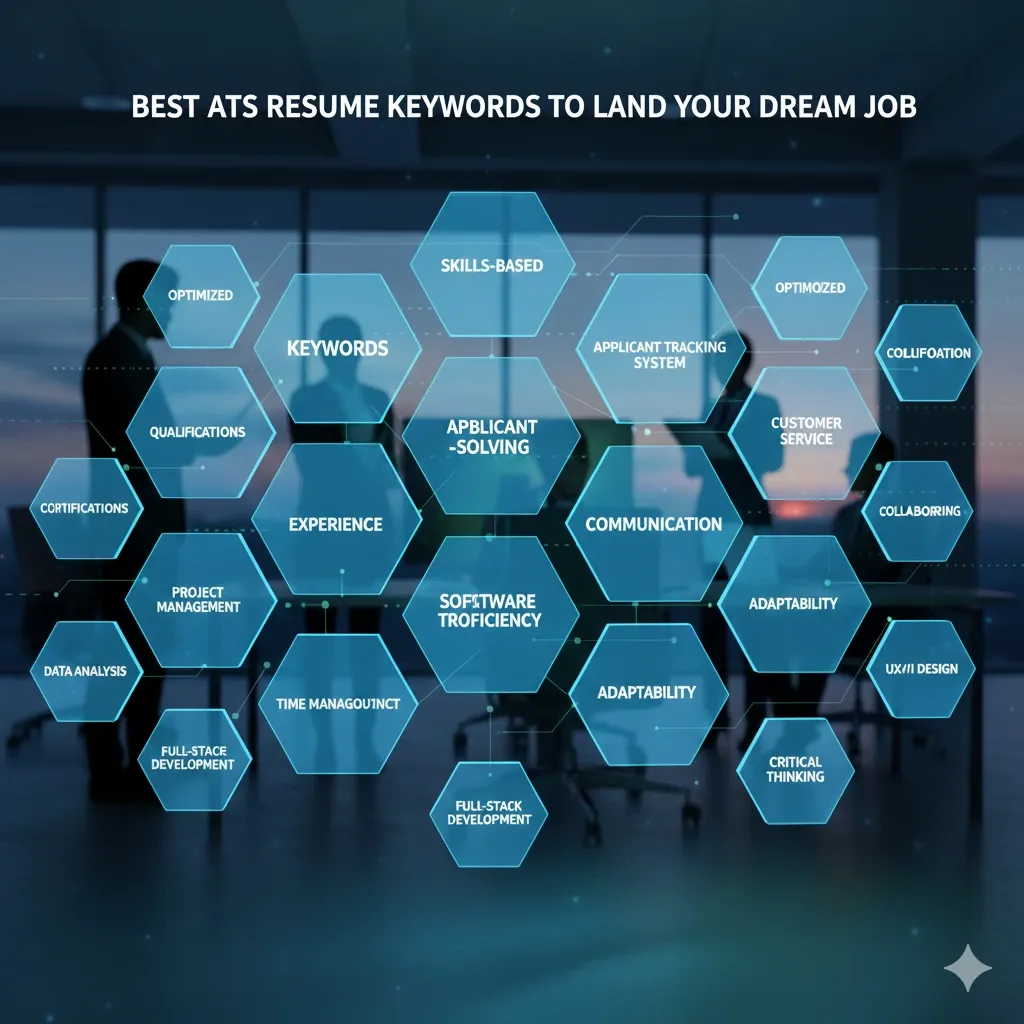
Keywords to highlight: Figma, user flows, usability, design systems, wireframes, prototypes, heuristic evaluation, interaction design, user empathy, persona development, A/B testing, micro-interactions, product thinking.
2. Use Figma to Create Your Resume Design
Figma isn't just for wireframes and mockups, it’s a powerful tool to design your resume. Designing your resume in Figma shows initiative, creativity, and mastery of industry-standard tools.
Tips:
- Create a clean layout with defined hierarchy.
- Use consistent spacing, typography, and color scheme that align with design principles.
- Use components to reuse elements like headers or skill blocks.
- Showcase your brand, include your personal logo, portfolio link, or QR code.
Pro tip: Link your live Figma resume or case study file directly in the document or portfolio.
3. Resume Sections That Matter
a) Contact Info
- Name, location, phone, email, LinkedIn, and portfolio.
b) Personal Summary
- Summarize your approach to user-centric design, usability, and team collaboration.
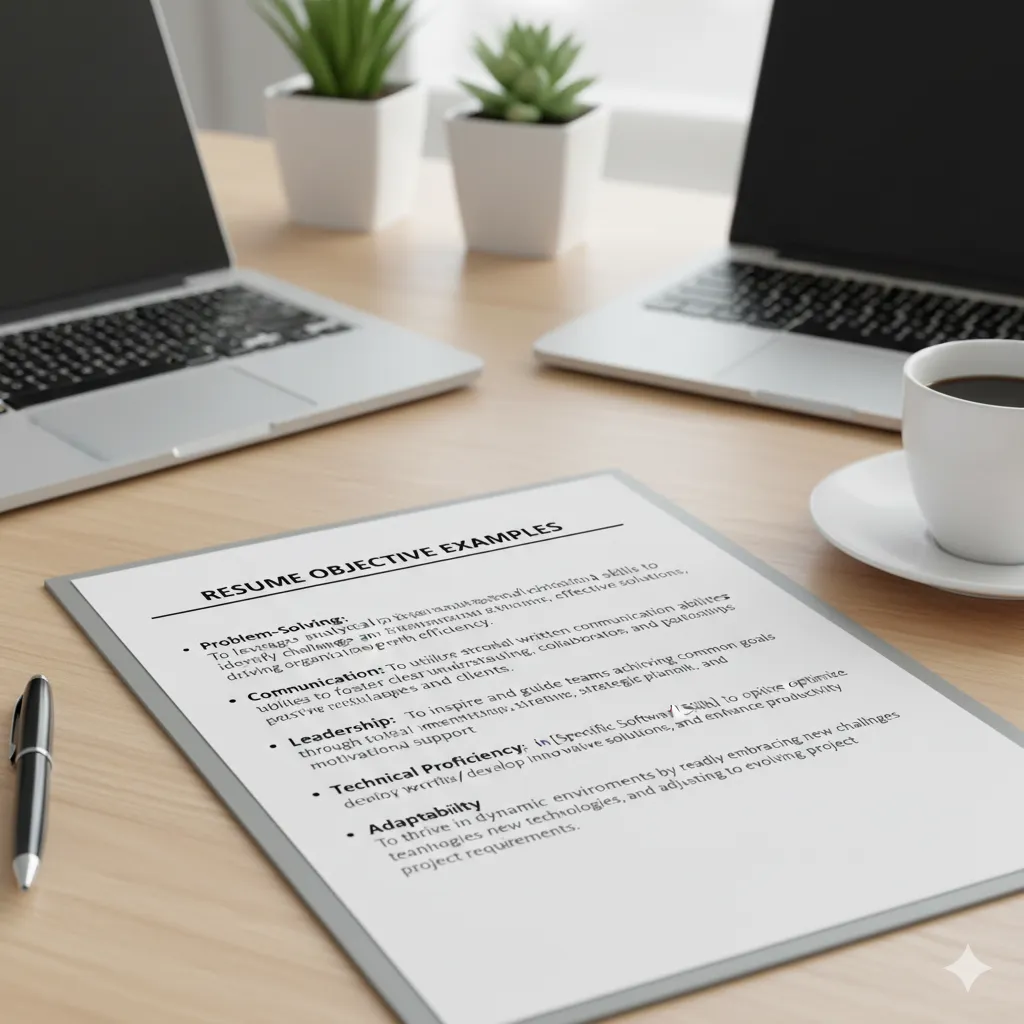
Example: "Creative UI/UX designer with 4+ years of experience using Figma to create intuitive user flows, scalable design systems, and engaging digital experiences. Passionate about usability and human-centered design."
c) Skills Section
- Group your skills under categories:
Tools: Figma, Sketch, Adobe XD, InVision, Zeplin UX Research: Usability testing, surveys, interviews, heatmaps Design Systems: Material Design, Apple HIG, Atomic Design Frameworks: Design Thinking, Double Diamond, Agile Scrum Metrics: Conversion rate, bounce rate, NPS, task success rate
4. Showcase Your Projects, Not Just Your Jobs
In a UI/UX designer resume, projects are more important than positions. Each project is an opportunity to showcase:
- Your process from research to ideation to high-fidelity design.
- Your use of Figma to collaborate and prototype.
- How you integrated usability principles and user flows.
- Metrics and results: Did bounce rate reduce? Did conversions increase?
Example format:
Project: Mobile Banking App Redesign
Company Name | Jan 2023 – May 2023
- Conducted usability tests with 15+ users leading to a 25% reduction in drop-off.
- Created atomic components in Figma used across 3 platforms.
- Designed seamless user flows increasing task success rate by 30%.
5. Align Your Resume with the Job Description
Many companies use Applicant Tracking Systems (ATS) to filter resumes. Match keywords like:
- Figma
- Design Systems
- Usability Testing
- UI Prototyping
- Responsive Design
- User Flows
- UX Research
- Interaction Design
Customize your personal summary and skill set accordingly. Mirror the language and structure used in the job description.
6. Highlight Collaboration and Tools
UI/UX design is collaborative. Emphasize:
- How you used Figma for team-based design and versioning.
- Communication with developers (handoff via Zeplin or Figma Inspect).
- Cross-functional collaboration with PMs and stakeholders.
Example: "Collaborated with product managers and developers to implement a Figma-based design system that improved development speed by 40%."
7. Quantify Your Impact
Hiring managers love numbers. Use metrics to show the impact of your design work:
- Improved user onboarding time by 50% through simplified flows.
- Increased conversion by 20% using A/B tested designs.
- Reduced customer support tickets by 30% via intuitive interfaces.
8. Include User Flow Diagrams in Portfolio Link
Mention that your case studies include:
- User flow diagrams designed in Figma
- Wireframes, journey maps, personas
- Usability testing reports
Link your Notion doc, Behance, or Figma project file.
9. Optional: Add Soft Skills Section
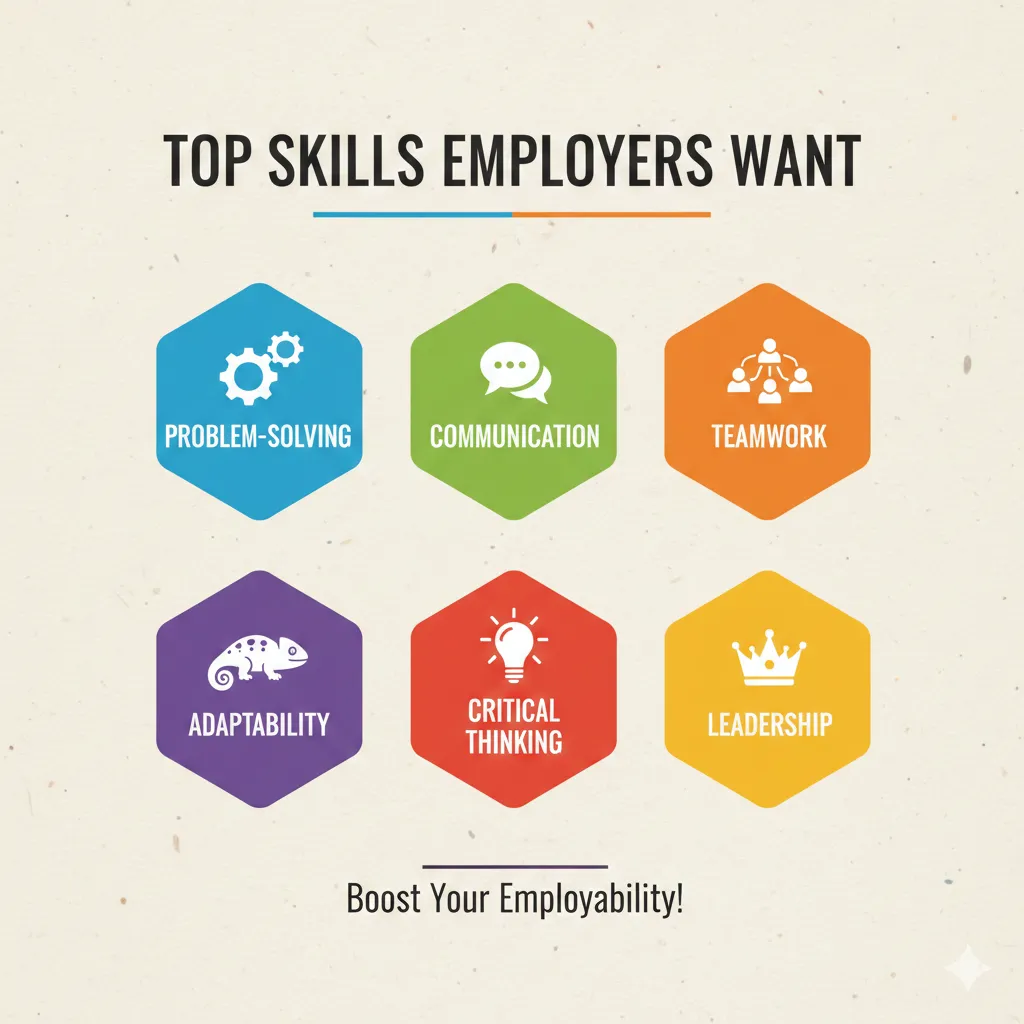
Though design skills are the main focus, hiring managers also appreciate:
- Empathy
- Adaptability
- Communication
- Critical thinking
- Attention to detail
10. Don’t Forget the ATS-Friendly Version
Design your resume in Figma, but export a simple, text-based PDF version:
- No graphics or columns
- Use standard fonts (Arial, Calibri)
- Ensure readability by ATS
11. What Hiring Managers Want in 2025
- Proficiency in Figma and design systems.
- Strong grasp of usability and accessibility standards.
- End-to-end case studies, from research to testing.
- Visual storytelling of user problems and solutions.
- Agile experience and familiarity with sprint planning.
- Project metrics and frameworks.
Bonus Tip: Use storytelling in your portfolio. Recruiters remember designers who can communicate the “why” behind the “what.”
12. Sample Resume Summary Examples
Example 1: "UI/UX designer with 3+ years of experience building scalable design systems using Figma and driving user-centered design decisions. Proven success with user flows, usability testing, and stakeholder alignment."
Example 2: "Creative UX strategist with a passion for reducing cognitive load and enhancing task efficiency. Skilled in building responsive design systems, interactive wireframes, and product metrics alignment using OKRs."
Conclusion: Design Your Resume Like a UX Case Study
Your resume should reflect the same user-centered approach you bring to your product designs. Keep it structured, concise, and visually balanced. Leverage Figma, user flows, usability metrics, and modern frameworks to demonstrate that you're not just a designer, but a product thinker.
For more career tips and resume strategies, visit HireTip.