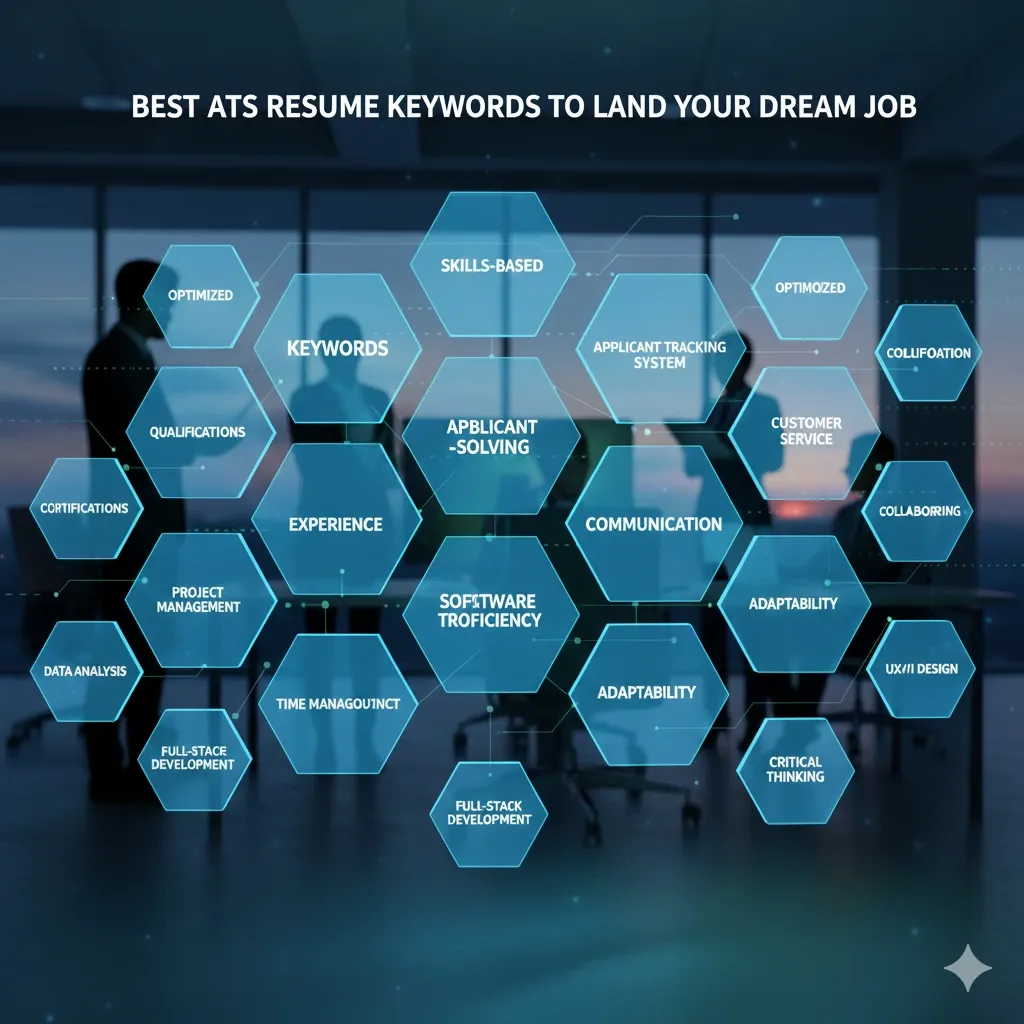
Tired of Your Resume Getting Lost in a Black Hole? Here’s Your Key to Getting Noticed.
You’ve spent hours perfecting your resume. It looks beautiful, reads perfectly, and you’re proud to send it off for your dream job. Then… silence. Radio silence. It’s a frustratingly common experience in the modern job market, and it often has nothing to do with your qualifications.
The culprit? It’s likely a piece of software you’ve never even seen: the Applicant Tracking System (ATS).
Think of an ATS as a digital gatekeeper. For a single job posting, a company might receive hundreds of applications. The ATS scans, parses, and ranks every single resume before a human ever lays eyes on it. If your resume isn’t built to communicate with this software, it gets automatically filtered out, no matter how talented you are.
But here’s the good news: beating the bots isn't about magic tricks. It’s about understanding the rules of the game. At HireTip, we believe your resume should be a bridge, not a barrier. That’s why we’ve created this ultimate guide and a set of free, downloadable ATS-friendly resume templates to ensure your application lands in the "yes" pile.
What is an ATS, and Why Should You Care?
An Applicant Tracking System (ATS) is software used by over 95% of large companies and many SMEs to manage their recruitment process. Its primary job is to automate the initial screening.
The ATS scans your resume for specific keywords, skills, job titles, and education that match the job description. It then gives each candidate a "score." The highest-scoring resumes are then passed on to a human recruiter for review.
If your resume is formatted in a way the ATS can’t read, think fancy columns, graphics, or unusual fonts, the system might jumble your information or, worse, reject it outright. Your goal isn't just to impress a human; it's to first get a passing grade from the robot.
The Anatomy of a Perfect ATS-Friendly Resume Template
An ATS-friendly resume template isn’t just "simple looking." It’s strategically structured for both machine parsing and human readability. Here’s what to look for:
1. Clean, Logical Structure
The template should have a clear, hierarchical structure. Use standard section headings like "Professional Experience," "Education," and "Skills." Avoid creative titles like "My Journey" or "Where I've Been."
2. Machine-Readable Formatting
This is non-negotiable. Stick to these rules:
- Fonts: Use standard, web-safe fonts like Calibri, Arial, Georgia, or Times New Roman.
- Headings: Use the built-in "Heading" styles in Word (e.g., Heading 1, Heading 2) for your section titles. This helps the ATS identify the structure.
- No Tables or Columns: While they look nice, complex tables and columns can confuse an ATS, causing it to read your information out of order. Simple, single-column layouts are safest.
- No Graphics or Images: Logos, charts, and headshots are a major no-go. The ATS cannot read them, and they create parsing errors.
- Standard Bullet Points: Use the simple round or square bullet points from your word processor's toolbar.
3. Keyword Optimization
This is the heart of ATS success. Your ATS resume needs to speak the same language as the job description.
- Identify Keywords: Look for hard skills (e.g., "Python," "SEO Analysis," "Budget Management"), software names ("Salesforce," "Adobe Creative Suite"), certifications ("PMP," "CPA"), and even soft skills ("team leadership," "client relations").
- Placement is Key: Integrate these keywords naturally throughout your resume, especially in your "Skills" section and the bullet points under each job title.
4. The Right File Format: Word vs. PDF
This is a classic debate.
- .DOCX (Microsoft Word): This is the safest bet. Almost every ATS on the planet can parse a .docx file flawlessly. It’s the universal language for recruiters and bots.
- PDF: A PDF is acceptable only if it is a text-based PDF, not an image scan. Some older ATS systems struggle with PDFs, so when in doubt, use .docx.
Our Recommendation: Unless specified otherwise by the employer, submit a Word document for the best ATS compatibility.
Free Download: Your ATS-Friendly Resume Templates (Word & PDF)
Ready to put theory into practice? We’ve designed three professional ATS-friendly resume templates in Hiretip that are guaranteed to get you past the bots and impress the hiring manager.
Each template is:
- 100% ATS-Optimised: Built with a clean structure and machine-readable formatting.
- Customisable: Easy to edit in Microsoft Word or Google Docs.
- Professionally Designed: Clean, modern, and visually appealing for human readers.
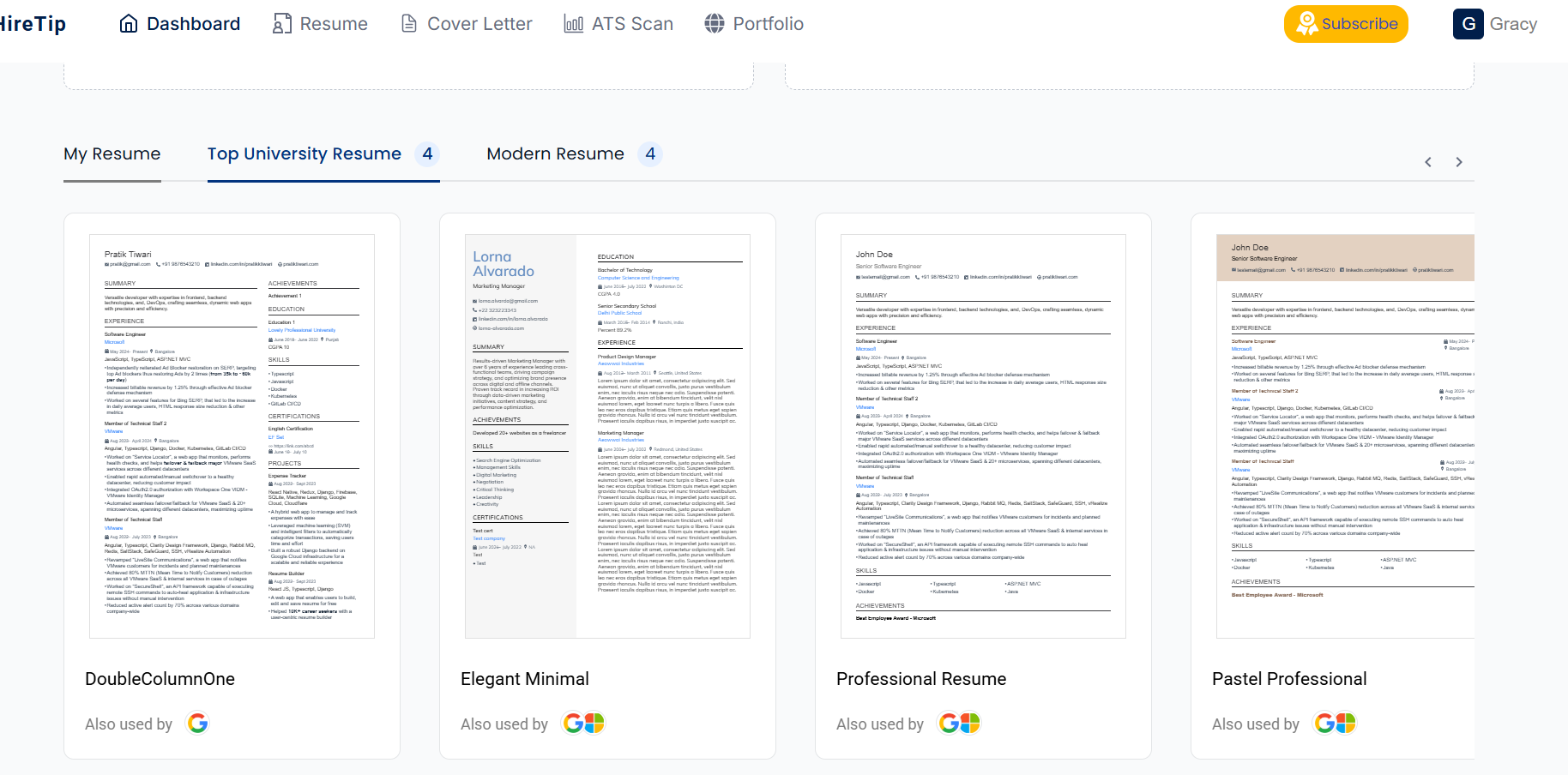
Download Your Free Templates:
1. Ideal for most job seekers, this template emphasizes a strong, linear work history.
2. Perfect if you want to highlight your skills upfront, great for career changers or those with diverse experience.
3. A sophisticated layout for senior-level professionals, with room for leadership achievements and board memberships.
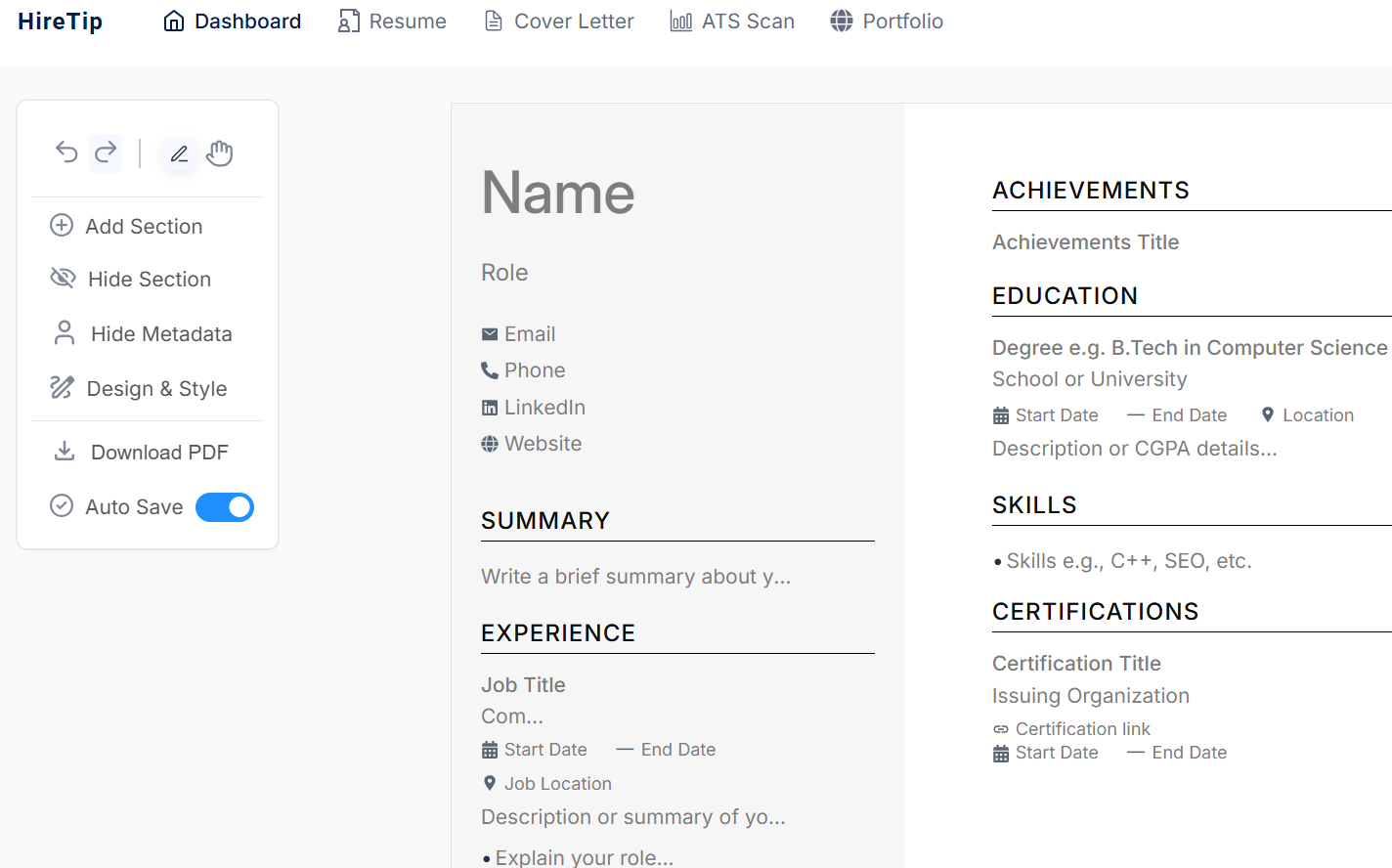
Your Step-by-Step Guide to Filling Out Your New ATS Resume Template
Now that you have the template, let's fill it with ATS-winning content.
1. Contact Information: Keep it Simple & Accessible
- Your Name: The largest text on the page.
- Phone Number & Professional Email Address: Ensure they are correct.
- Location: City and State are sufficient.
- LinkedIn Profile URL: A must-have. Ensure your profile is updated and matches your resume.
- Portfolio Link (if applicable): For designers, writers, developers, etc.
What to Avoid: Your street address (it's a privacy risk and unnecessary) and unprofessional email addresses (e.g., [email protected]).
2. Professional Summary: Your 3-Second Elevator Pitch
This is 2-3 lines at the top of your resume. It’s not an "Objective" (what you want); it's a "Summary" (what you offer).
Formula:[Your Job Title] with [Number] years of experience in [Your Industry/Field]. Proven ability in [Key Skill 1] and [Key Skill 2], and a track record of [Quantifiable Achievement].
Example:
"Strategic Marketing Manager with 8+ years of experience in the SaaS industry. Proven ability in digital campaign management and lead generation, with a track record of increasing marketing-qualified leads by 150% year-over-year."
3. Core Competencies / Skills Section: The ATS Goldmine
This is a scannable, keyword-rich section right after your summary. Use a bullet-point list or a table (a simple, borderless table in Word is usually ATS-safe).
Example:
Technical Skills: Python, SQL, Tableau, Google Analytics, Salesforce
Project Management: Agile/Scrum, Budgeting, Risk Management, Jira
Languages: English (Native), Spanish (Professional Proficiency)
4. Professional Experience: Prove Your Value with PAR
For each role, use the PAR (Problem-Action-Result) method to write your bullet points. This incorporates keywords naturally and shows your impact.
- Problem: What was the challenge or goal?
- Action: What did you do? Use strong action verbs (e.g., "Spearheaded," "Optimized," "Developed").
- Result: What was the outcome? Quantify it whenever possible.
Weak Bullet Point:
- "Responsible for social media accounts."
Strong, ATS-Optimized Bullet Point (using PAR and keywords):
- "Developed and executed a new social media strategy across Facebook and Instagram, increasing engagement by 40% and growing follower count by 5,000 in 6 months."
5. Education & Certifications
Keep this section clean. List your degree, institution, and graduation year. Include relevant certifications and licenses here.
Common ATS Resume Mistakes to Avoid at All Costs
- Using a Creative Template from Canva (as-is): While visually stunning, these are often ATS kryptonite. If you use one, ensure you can export a plain-text version that makes sense.
- Saving as a .PDF from a Mac without checking: Sometimes, Macs create image-based PDFs. Always copy and paste the text into a new document to check if it's selectable.
- Sending the Same Generic Resume to Every Job: You must tailor your resume for each application. Spend 15 minutes aligning your keywords with each job description.
- Using Headers and Footers: The ATS often misses information placed in headers and footers. Keep your name and contact info in the main body of the document.
- Spelling Errors: These are an instant red flag for both bots and humans. Proofread meticulously.
Final Checklist Before You Hit "Submit"
Before you send off your newly crafted ATS resume, run it through this quick list:
- I have used one of the standard, ATS-friendly resume templates.
- I have saved my resume as a .DOCX file (unless otherwise specified).
- I have tailored my resume with keywords from the specific job description.
- I have used standard section headings (e.g., "Work Experience").
- I have no tables, columns, images, or graphics.
- My contact information is correct and in the main body of the document.
- I have quantified my achievements with numbers and data.
- I have proofread for spelling and grammar errors.
Your Next Career Move Starts Now
The job search can feel like a black box, but you now hold the key. By using an ATS-friendly resume template and following the strategies in this guide, you’re not just submitting a resume, you’re strategically positioning yourself for success. You are taking control of the first and most critical hurdle in the modern hiring process.
Download your free templates today from HireTip, tailor them with your incredible experience, and get ready for the interview requests to start rolling in.
What to do next?
- Download your free ATS-friendly resume template.
- Join the HireTip community for more expert career advice and tips sent directly to your inbox.
- Need more help? Explore our one-on-one resume review services to get personalized feedback from our career experts.